MGR & Associates Veteran-Owned Small Business Talk to MGR
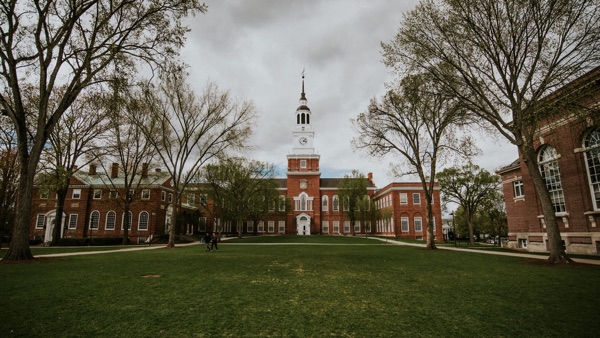
College campus

TITAN HST FOR EDUCATION

One campus community.
A clearer response.

Connect administrators, staff, students, visitors, and responders with two-way communication across your campus.

From a campus concern to clear instructions

A staff member reports a concern near a busy campus building. Administrators gather details, coordinate with the response team, and send relevant groups clear instructions.

Report a concern

A staff member, student, or visitor shares an alert and useful incident details.

Coordinate the response

Authorized teams assess the situation together in a secure conversation.

Keep people informed

Send targeted instructions, updates, and an all-clear as the situation develops.

CONNECTED CAPABILITIES

Connect the people who need to act

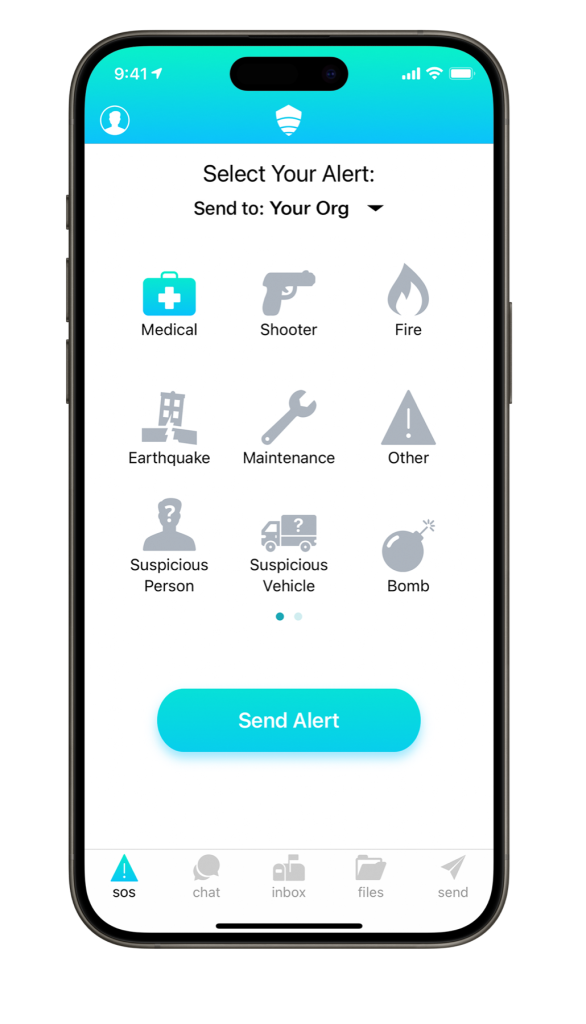
SOS reporting

Give campus users a direct way to raise a concern and share location context.

Targeted broadcasts

Reach the appropriate campus, building, or role without treating every update alike.

Secure group chat

Bring administrators and response teams into a shared two-way conversation.

Safety status

Collect updates from campus users to help teams understand the situation.

Maps & procedures

Keep access-controlled plans and response materials available before an incident.

Lockdown workflows

Coordinate critical instructions with authorized personnel on or off site.

A CAMPUS IS MORE THAN ITS ROSTER

Include the people passing through

Visitors, contractors, and event attendees may be unfamiliar with campus reporting routes. Plan an approachable way for them to flag a concern alongside the channels your regular campus community uses.


Titan HST SOS alert screen

Make reporting visible

Identify entrances, gathering spaces, and other places where visitors need reporting information.

Offer a simple route

Explore QR-code and text reporting for people who do not have the app.

Connect to campus teams

Define which authorized team handles reports for each location and type of concern.

YOUR ENVIRONMENT, YOUR TEAMS

Plan for the campus you operate

Roles & responsibility

Map communication groups to campus staff, administrators, and responders.

Existing campus systems

Discuss compatibility with directories and student information systems during evaluation.

Practice & review

Use your campus plans to walk through reporting, instructions, and follow-up with the right teams.

OPTIONAL CONNECTED DEVICES

Match the device to the setting

Discuss discreet alert devices and location beacons for the buildings and roles your campus teams cover.

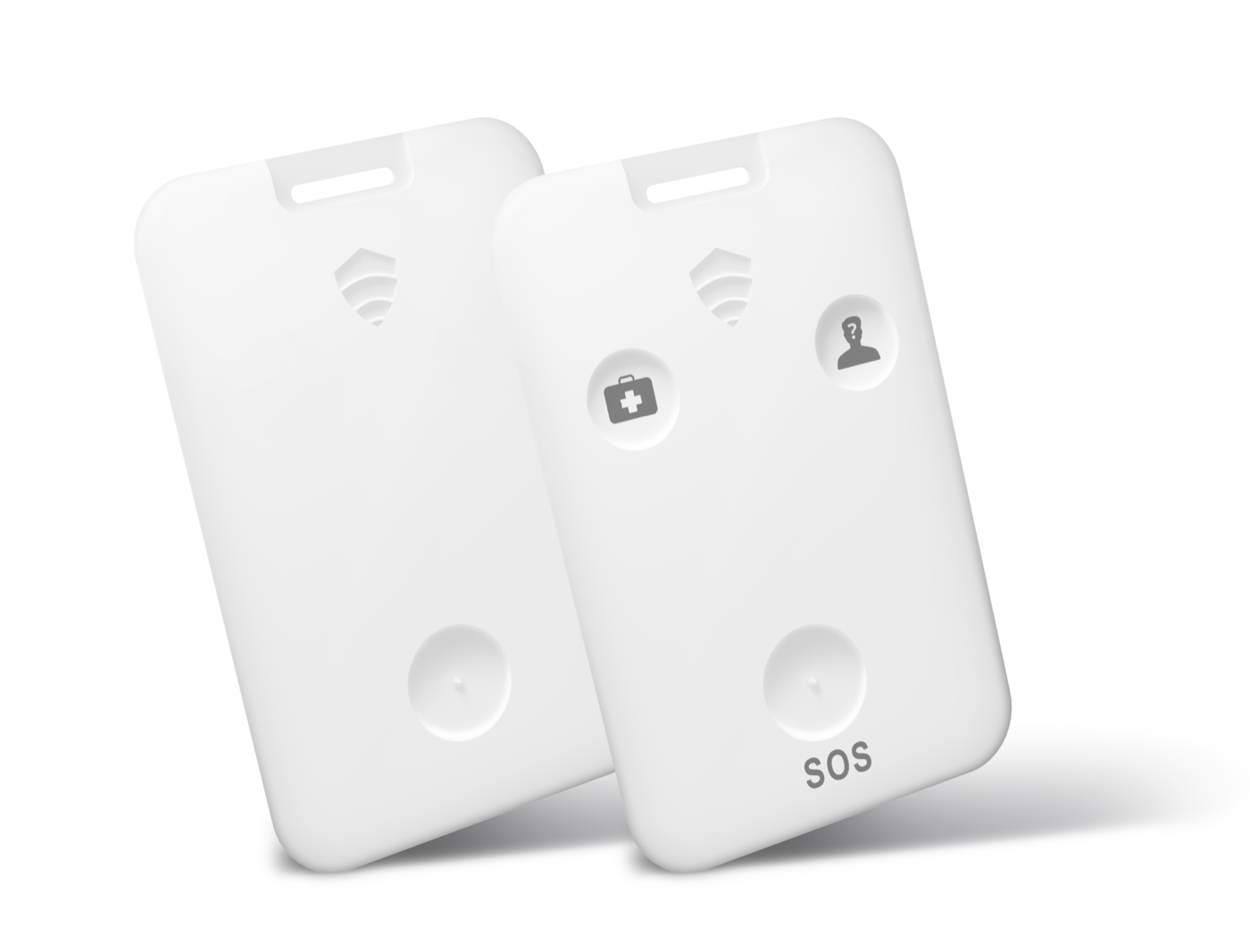
Titan HST alert cards

Discreet alert devices

Discuss physical assistance requests for staff working across your locations.

Titan HST Beacon Pro

Location beacons

Evaluate compatible beacons for the areas your response teams need to identify.

Start with your campus

Tell MGR about your campuses, communication roles, and the reporting situation you want to improve.