Connect guests, event staff, security, and the command center through one incident-response workflow.
From a seating-area report to the right response
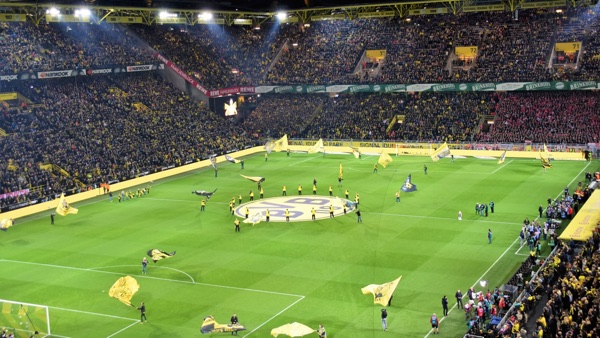
A guest reports a concern and identifies the seating section. The command center gathers details, coordinates with venue staff, and keeps the incident record for follow-up.
Receive the report
A guest or staff member uses a supported QR, text, or app channel to raise a concern.
Direct assistance
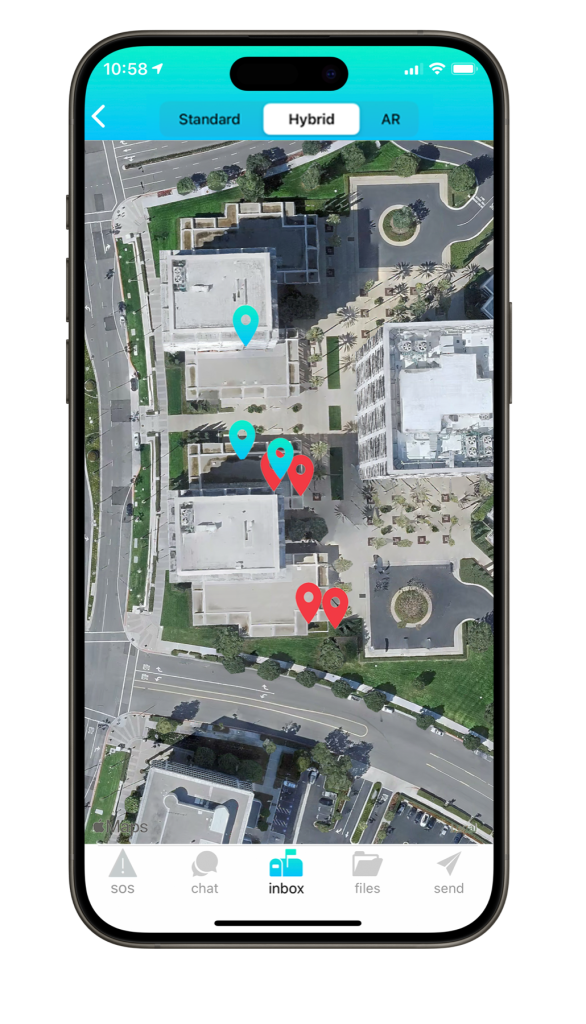
The command center confirms the location and connects the appropriate venue team.
Close the loop
Staff share updates and retain incident information for operational review.
CONNECTED CAPABILITIES
Keep event response connected
Incident reporting
Collect concerns from guests and staff through supported reporting channels.
Team conversations
Bring security, operations, and event leads into a secure group chat.
Targeted broadcasts
Send relevant instructions to the roles and locations involved.
Safety updates
Collect status information from people affected by an incident.
Venue plans
Keep access-controlled maps, procedures, and response materials available.
Compatible systems
Explore connections with existing safety and monitoring platforms, subject to compatibility.
ONE VENUE, MANY ROLES
Give each team the context it needs
The people handling a guest concern may work in different parts of the venue. Define how information moves between them before the gates open.
Guests & event staff
Make reporting instructions easy to find across seating, concourses, and entrances.
Security & operations
Use the venue’s own sections and area names when confirming where assistance is needed.
Command center
Set clear responsibility for reviewing reports and coordinating the response.
YOUR ENVIRONMENT, YOUR TEAMS
Plan around the event, not just the building
Changing event teams
Review roles and permissions for employees, contractors, and temporary staff.
Different event layouts
Prepare the maps and procedures appropriate to each event’s operating areas.
Crowded networks
Evaluate connectivity and compatible hardware under the conditions your venue expects.
OPTIONAL CONNECTED DEVICES
Match the device to the setting
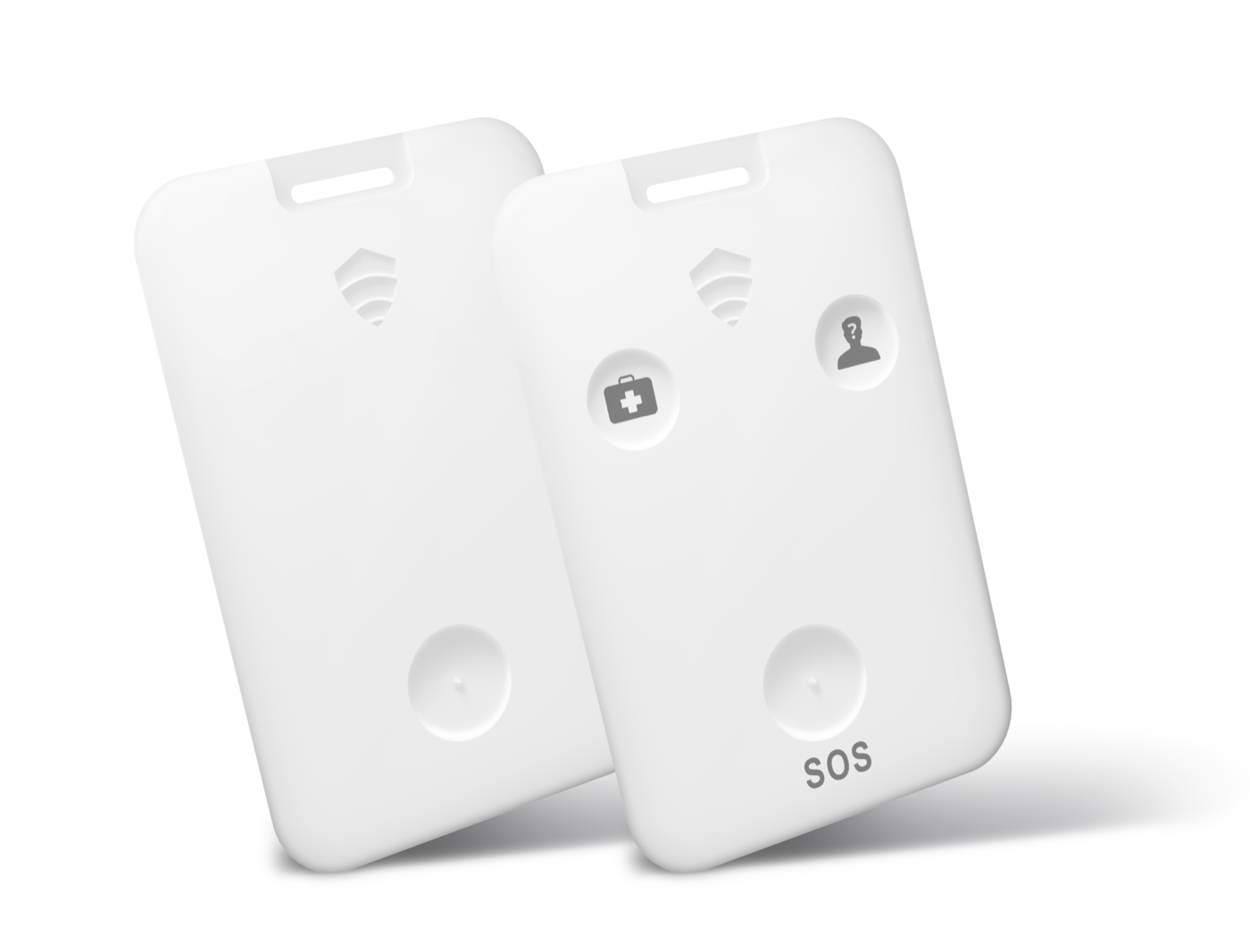
Explore discreet alert devices for staff and location beacons for the areas your response teams cover.
Discreet alert devices
Discuss physical assistance requests for staff working across your locations.
Location beacons
Evaluate compatible beacons for the areas your response teams need to identify.