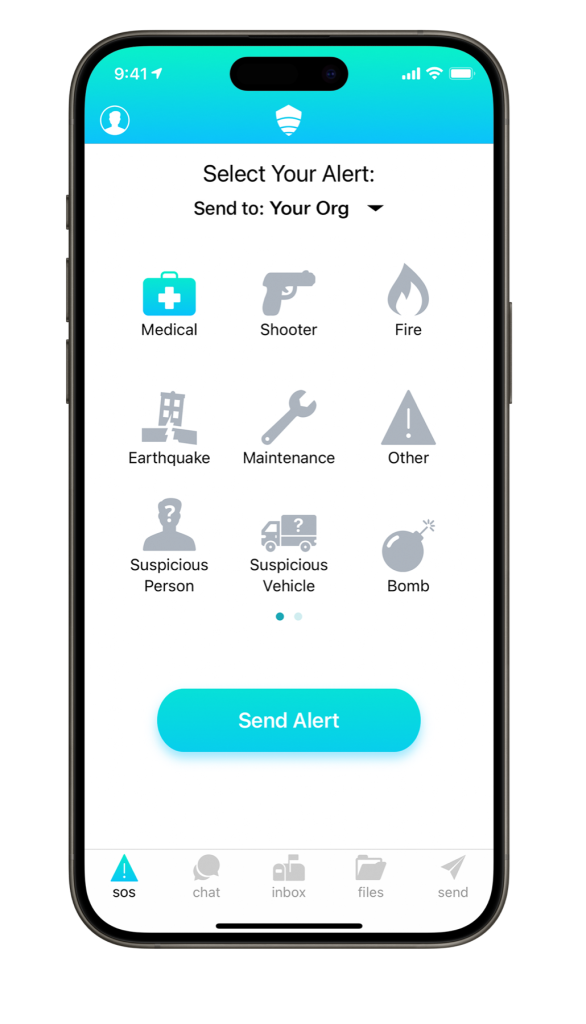
Help healthcare staff request assistance and coordinate safety communication across departments, buildings, and campuses.
A discreet request, with context for security
A staff member needs assistance in a public reception area. Security confirms the location, coordinates with the appropriate team, and shares updates with the staff involved.
Request assistance
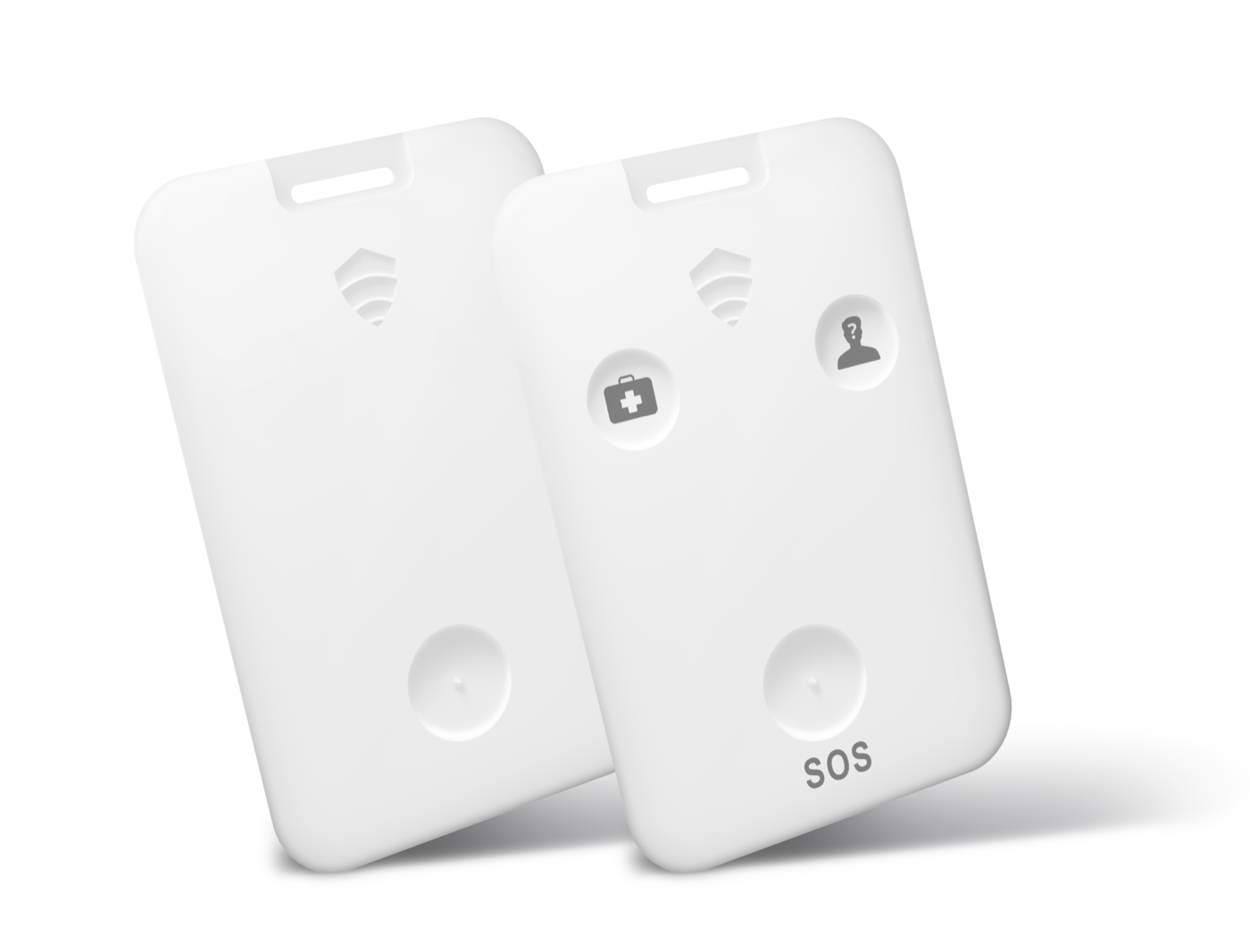
A staff member raises an alert from a mobile or compatible physical device.
Coordinate support
Security receives available location context and confirms where help is needed.
Keep teams informed
Authorized staff exchange updates and retain relevant incident information.
CONNECTED CAPABILITIES
Connect the people responding
Staff alerts
Provide a discreet way for staff to raise a safety concern.
Secure group chat
Connect security, facilities, and the staff involved in a response.
Targeted instructions
Send relevant safety updates to selected departments or locations.
Plans & procedures
Keep access-controlled maps and organizational response materials available.
Safety status
Collect staff safety updates during a wider incident.
Workforce connections
Explore compatible directories and workforce systems for your deployment.
ACROSS THE FACILITY
Make assistance practical for different roles
Reception desks, support areas, and separate buildings create different staff-safety needs. Shape the reporting and response workflow around the people using it.
Public-facing staff
Choose an assistance channel suited to the way staff work at reception and service points.
Mobile teams
Plan how staff moving between departments identify their location when requesting help.
Security & facilities
Agree who receives a request and how teams coordinate across building boundaries.
YOUR ENVIRONMENT, YOUR TEAMS
Build around your operating environment
Recognizable locations
Review floor, building, and area names so response teams can interpret reports.
Shift responsibilities
Define response ownership and review roles as teams change.
Coverage & connectivity
Evaluate device suitability and network conditions in the spaces staff use.
OPTIONAL CONNECTED DEVICES
Match the device to the setting
Discuss physical alert options for staff and compatible beacons for location context across your facility.
Discreet alert devices
Discuss physical assistance requests for staff working across your locations.
Location beacons
Evaluate compatible beacons for the areas your response teams need to identify.